YTDown

electron node.js yt-dlp
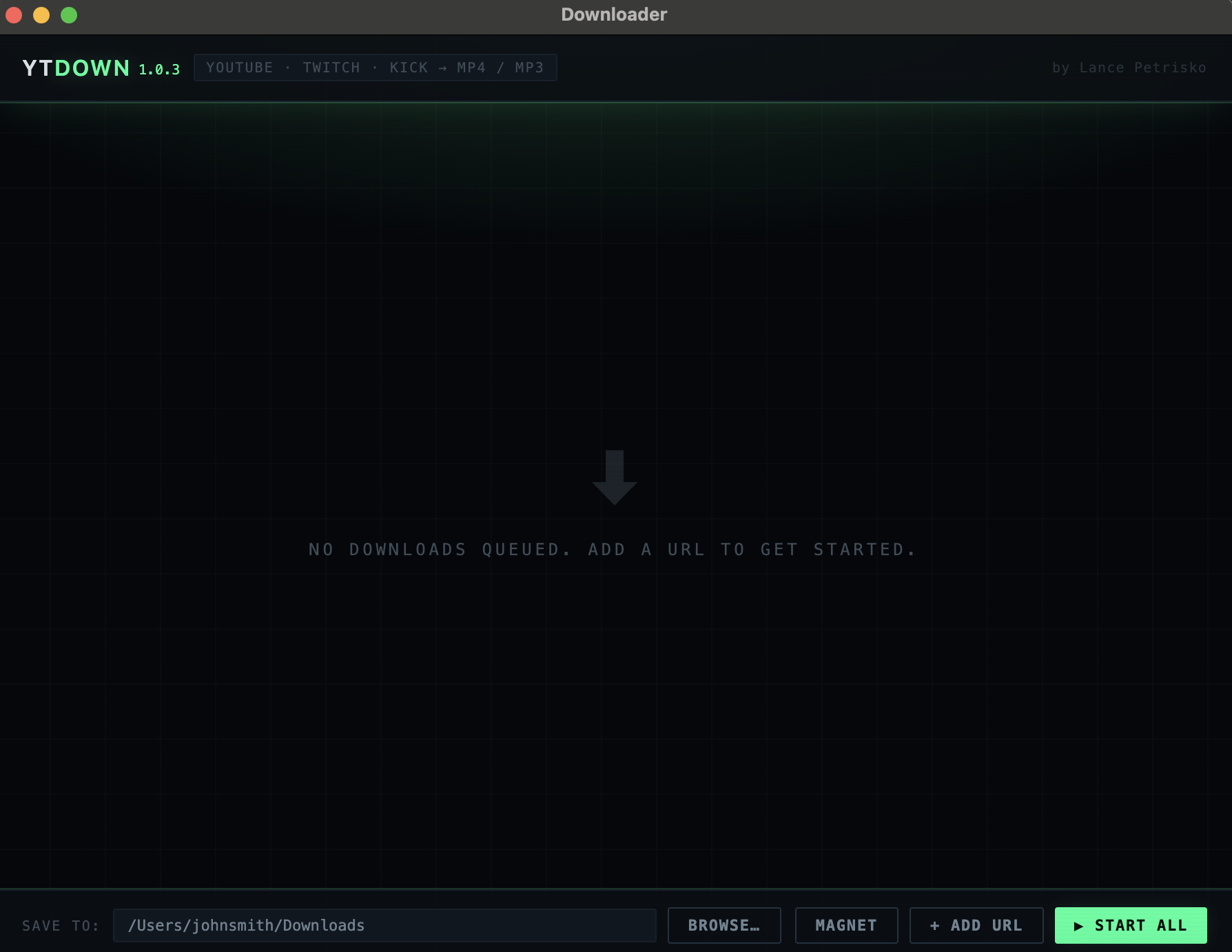
YTDown app window with an empty download queue, output folder picker, and Add URL and Start All buttons

YTDown is a local desktop app for downloading YouTube, Twitch, and Kick videos as MP4 or MP3. It runs on Windows and macOS is completely self hosted.

The thing I cared most about was that it takes zero setup. Most downloaders assume you already have yt-dlp and ffmpeg installed and on your PATH. But the downloader ships both inside the installer, so there is no terminal, no Homebrew, and nothing to configure. If you already have your own copies, the app ignores them and prefers its bundled ones, so a broken or outdated system install can't break it.

Electron / Node.js / yt-dlp / ffmpeg

What It Does

features

You paste in a list of URLs and start them all at once. Each item in the queue gets its own quality selector 2160p down to 360p, filtered to what the platform actually offers and its own MP4 or MP3 toggle, so one batch can mix video and audio only downloads.

Progress bars update in real time by parsing yt-dlp's stdout, and any download can be cancelled mid stream. Every download writes a timestamped log with the full command, stdout, stderr, and exit code, viewable in-app from a Logs button on the queue item — which is what makes a failed download debuggable instead of just a red bar. Finished files get a See File button that reveals them in Explorer or Finder.

Download queue / per-item quality and format / live progress / per-download logs

How It's Built

express ffmpeg electron-builder

Electron provides the desktop window and boots a small Node.js and Express backend on port 3131, which wraps yt-dlp and ffmpeg as child processes. The frontend is vanilla JS no framework. ffmpeg merges the separate video and audio streams yt-dlp pulls down, and re-encodes the audio to AAC so the resulting MP4 is something that just works.

Packaging is handled by electron-builder: an NSIS installer for Windows, and .dmg builds for both Apple Silicon and Intel Macs. Git hooks bump the patch version on push so every build ships a distinct version number. Neither target is code signed, so Windows shows a SmartScreen warning and macOS needs a right-click → Open on first launch.

My own code is MIT. The installers bundle ffmpeg (GPL-3.0) and yt-dlp (Unlicense), both run as separate executables and never linked against, so YTDown itself stays MIT.

Electron / Node.js / Express / vanilla JS / yt-dlp / ffmpeg / electron-builder

VIEW ON GITHUB